Stories,
made into pages.
Write, draw, assemble.
Start a comicA local workspace for the story,
the artwork, and the finished PDF.
Use Left and Right arrow keys, the Previous and Next buttons, or a horizontal swipe to turn the book. Pause stops the automatic animation.
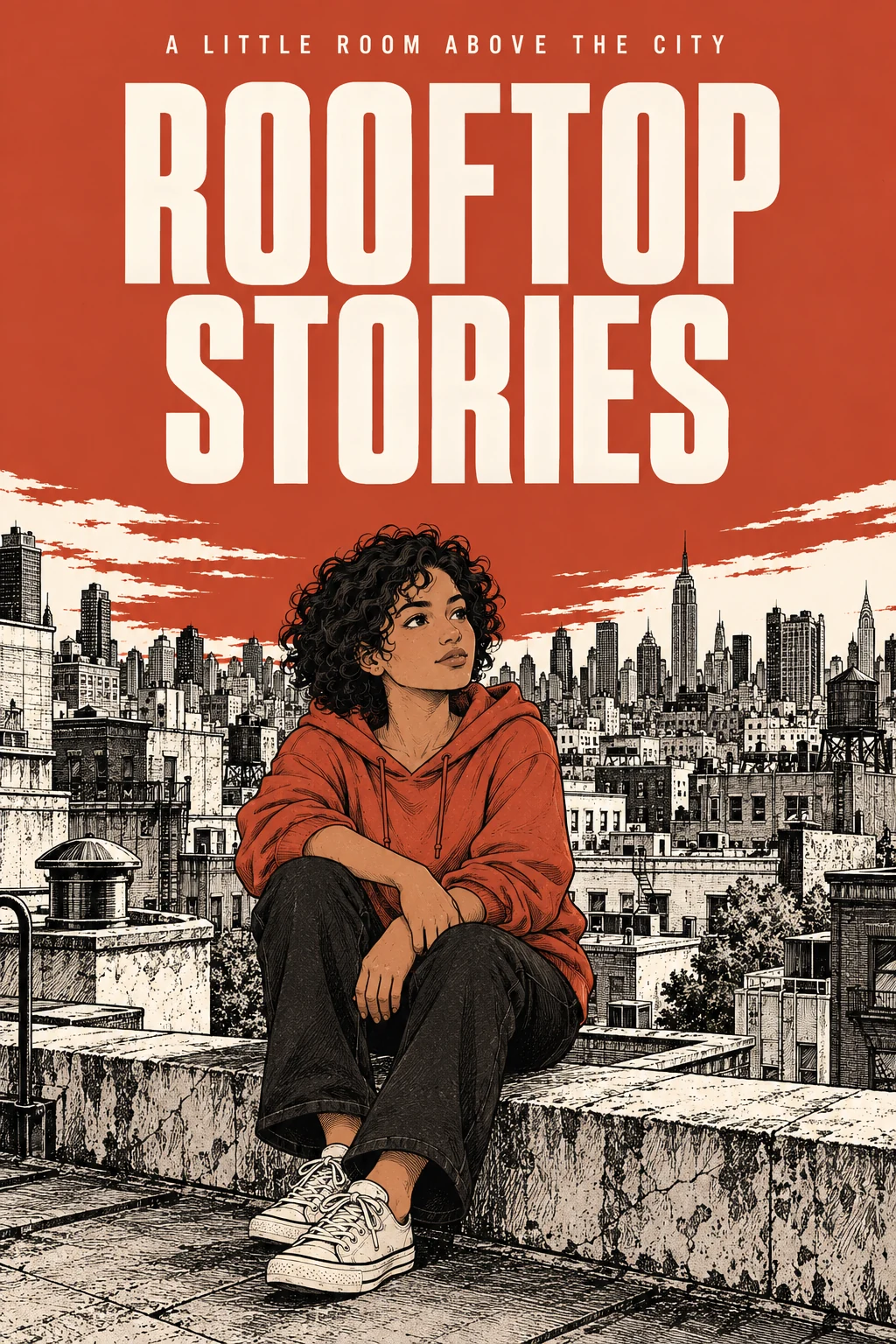
Rooftop Stories · An original two-page comic.
AI-created artwork, lettered and composed with Comic Sol.
Read the comic (PDF)
A story in three materials.
01. Write the story
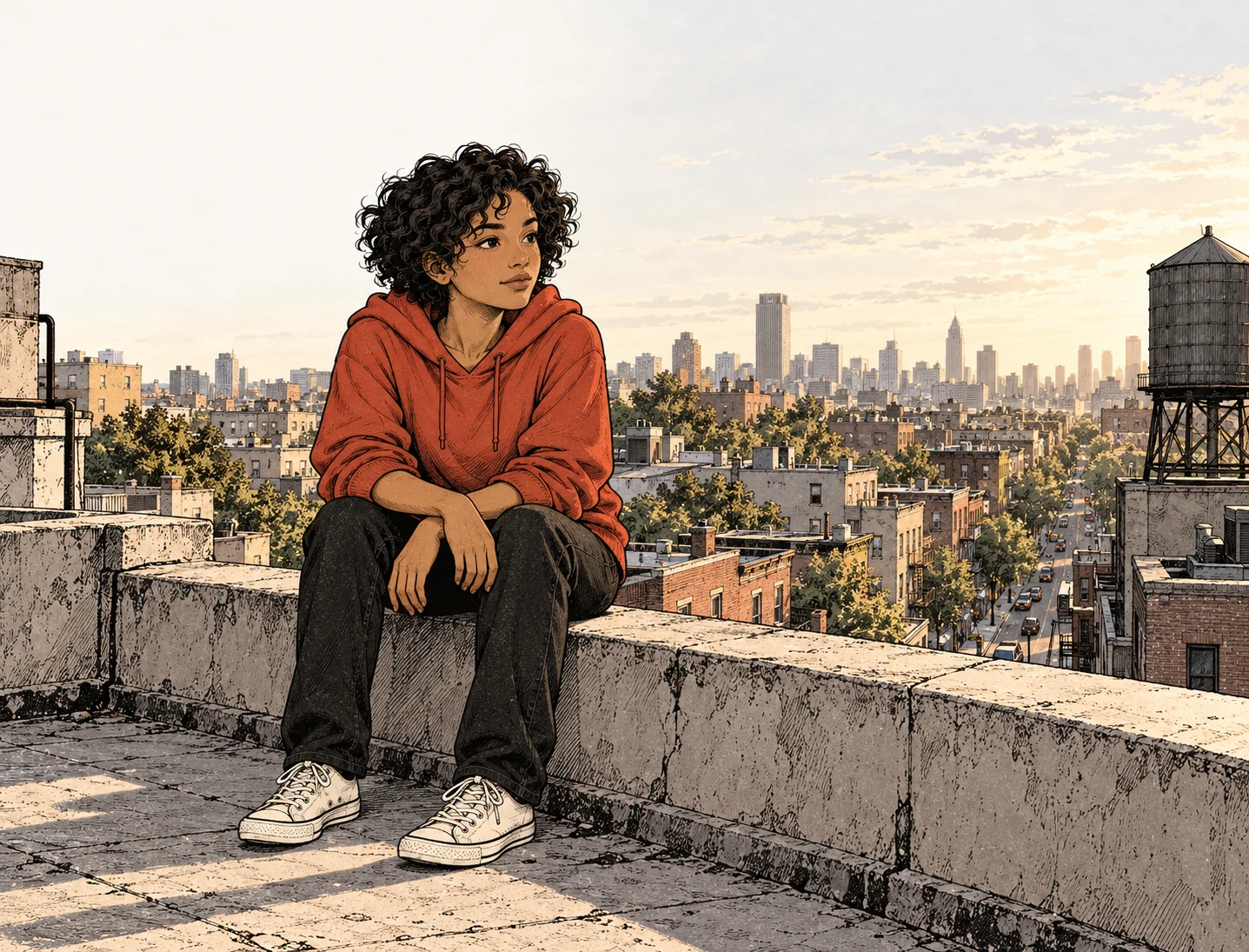
EXT. ROOFTOP / LATE AFTERNOON

Mena pushes open the stairwell door.
The city is still rushing below.

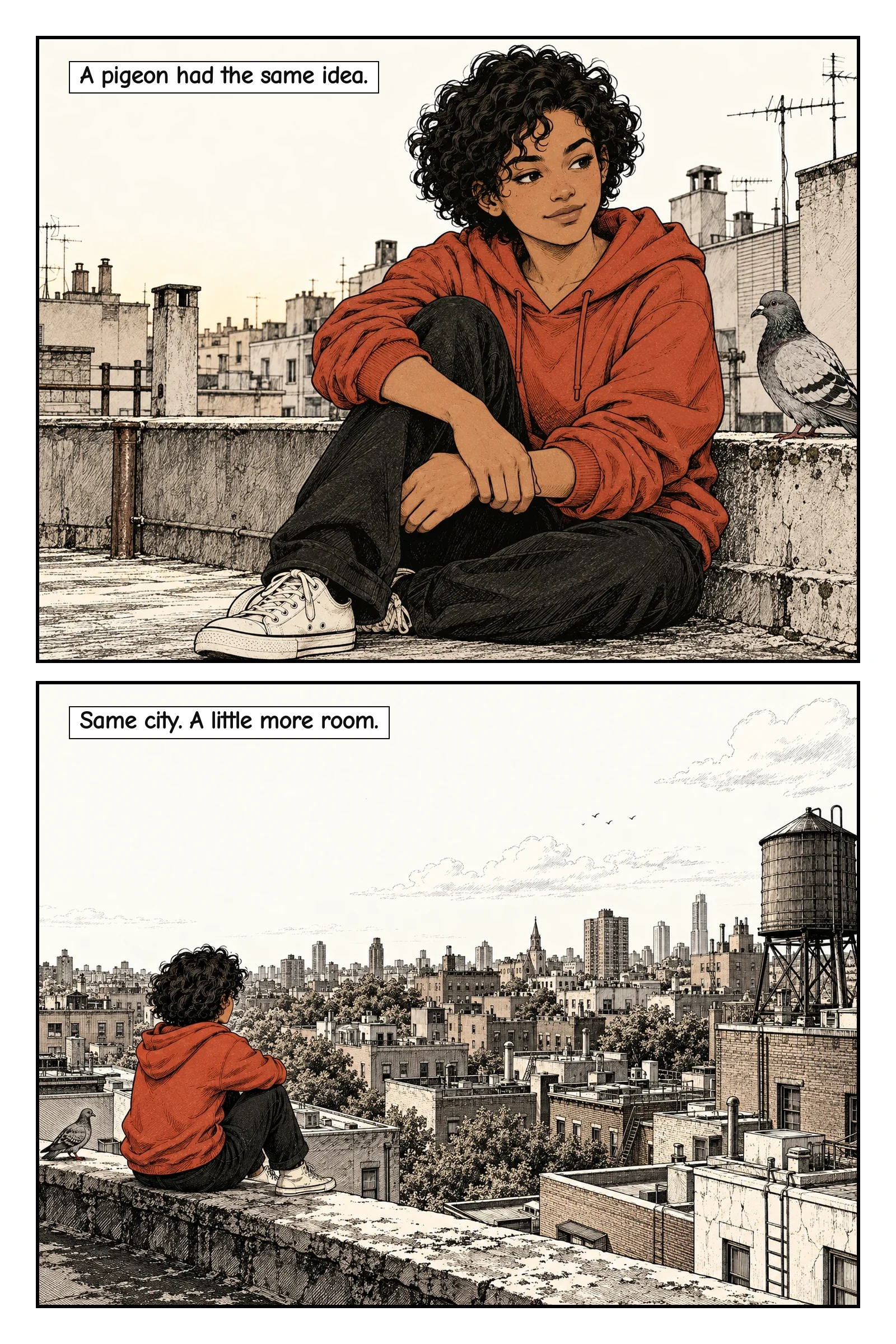
She sits by the parapet.
A pigeon settles beside her.

The noise hasn't changed.
But there is room to breathe.
Start with an idea or a complete script. Shape the cast and decide what happens in each panel.
02. Make room for the page
Choose the frames. Keep the character consistent. Bring your own artwork, or render it with a connected model.

03. Read before you export
Review the panels, then the lettered pages. Comic Sol assembles the artwork and text into a checked PDF.
Open the workspaceA frame for each beat.
The engine's page layouts, ready for your storyboard.
Your story. Your workspace.
Install Studio and keep the project in a folder on your machine. Write the plan, upload artwork, and review it yourself. Connect a model when you need one.
Installation instructionsThe story, references, panels, and reviews travel together in a portable archive. Connected models receive the material needed for their task.